Tally connector
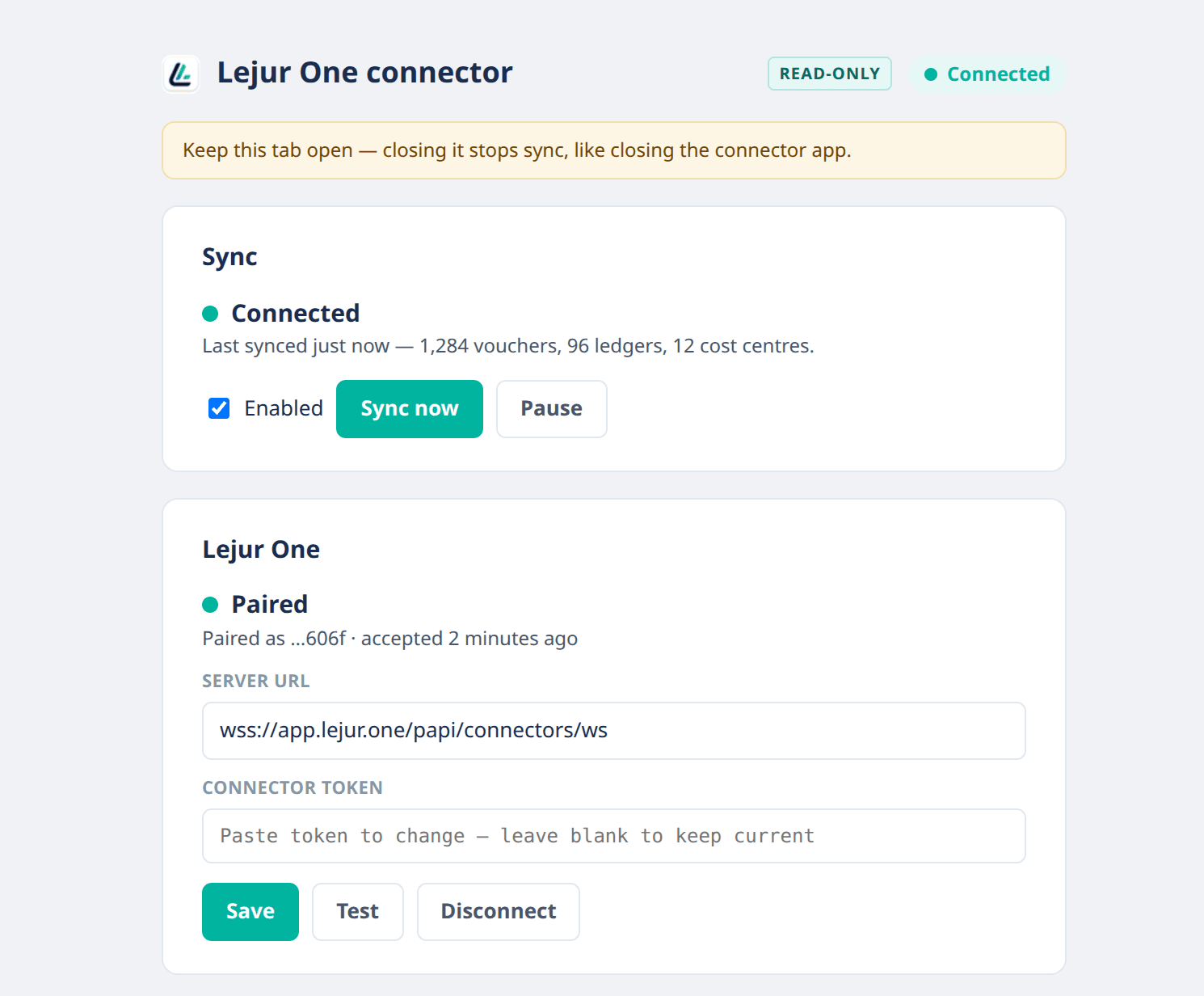
Runs on the machine TallyPrime is on, as a Chrome extension or a Windows desktop app. It can only read: nothing in your books can be created, changed or deleted.
 Lejur OneSign in
Ask about outstanding, stock, profit or GST and get the answer from your Tally books. Build MIS in seconds, draft replies to GST notices, research any party’s history. On your laptop or your phone.
Nothing else to fill in: you name your company on the next screen. You can add an email and password later from Settings → Security.
Already have an account? Sign in
The Tally connector can only read. Built by a CA practice.

Add the connector on the computer Tally runs on: a Chrome extension, or a desktop app for Windows.
02Ledgers, vouchers, stock items and cost centres go to your own Lejur One workspace, and nowhere else.
Ask in Claude or ChatGPT, or in Lejurly, the chat inside the app.
ClaudeChatGPTPerplexityLejurlyRuns on the machine TallyPrime is on, as a Chrome extension or a Windows desktop app. It can only read: nothing in your books can be created, changed or deleted.
Give Claude, ChatGPT or Perplexity read-only access to your books from Settings, then ask in plain language. Or ask Lejurly inside the app.
Dashboard, ledgers, reports and ageing on your phone, unlocked with your MPIN or biometrics.
Trial Balance, Schedule III Profit and Loss and Balance Sheet, receivables and payables ageing, day book and GST reports.
Sign up with your Google account. You name your company on the next screen.